Printing kitchen tickets from a cloud app with an 89-line Node bridge
How an order placed on a phone reaches a thermal printer inside a coffee shop: a polling bridge with no dependencies, tickets drawn as images so Arabic prints correctly, and a queue that survives a crash.
Ahmed Abdelmageed
4 min read
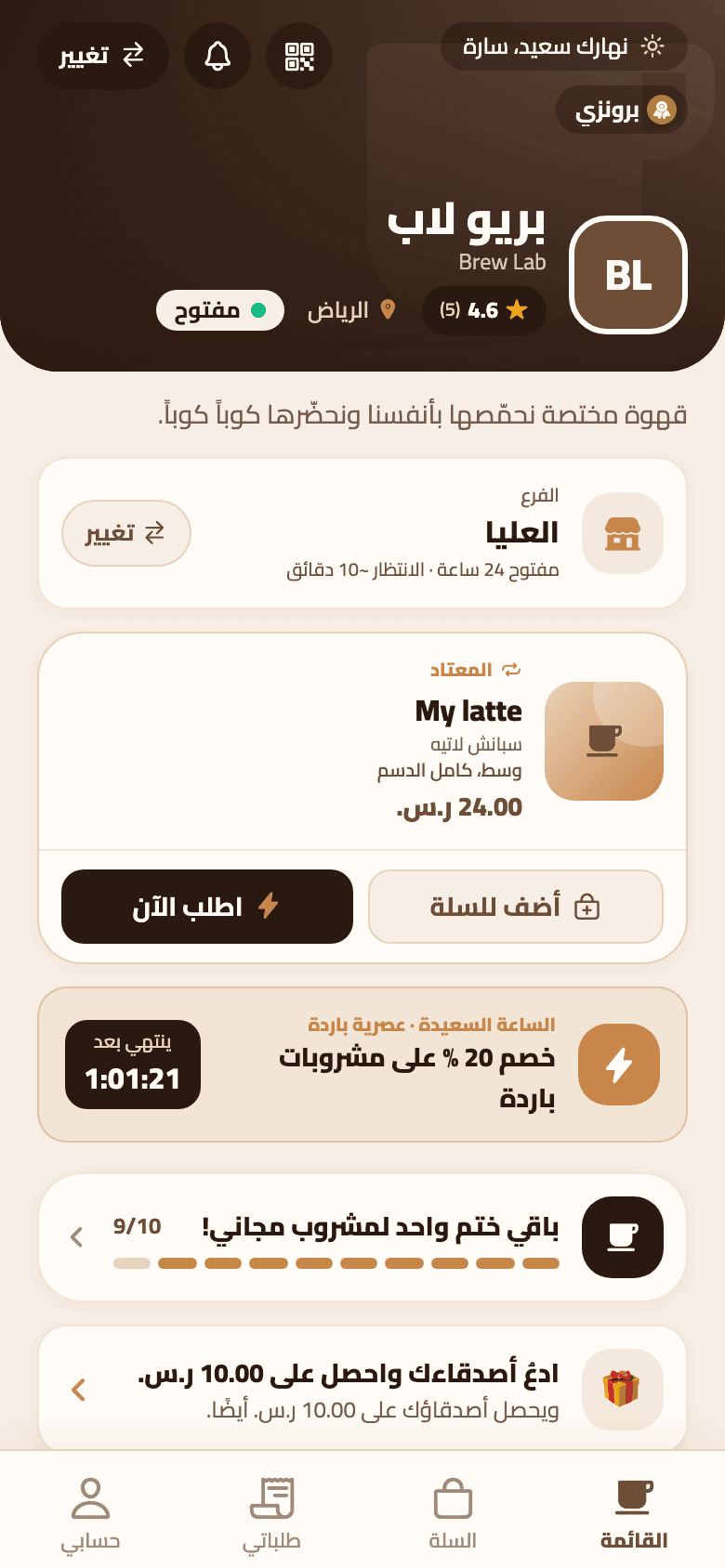
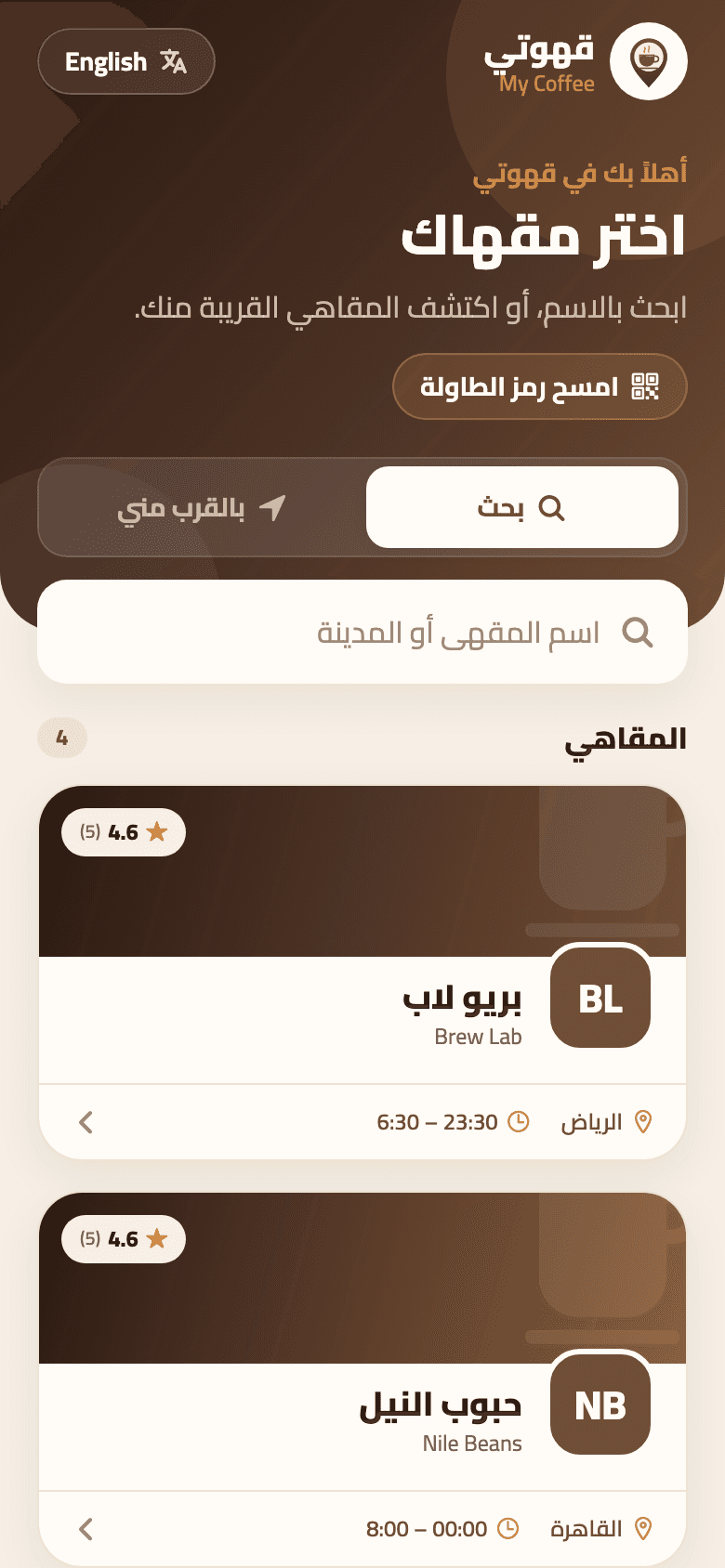
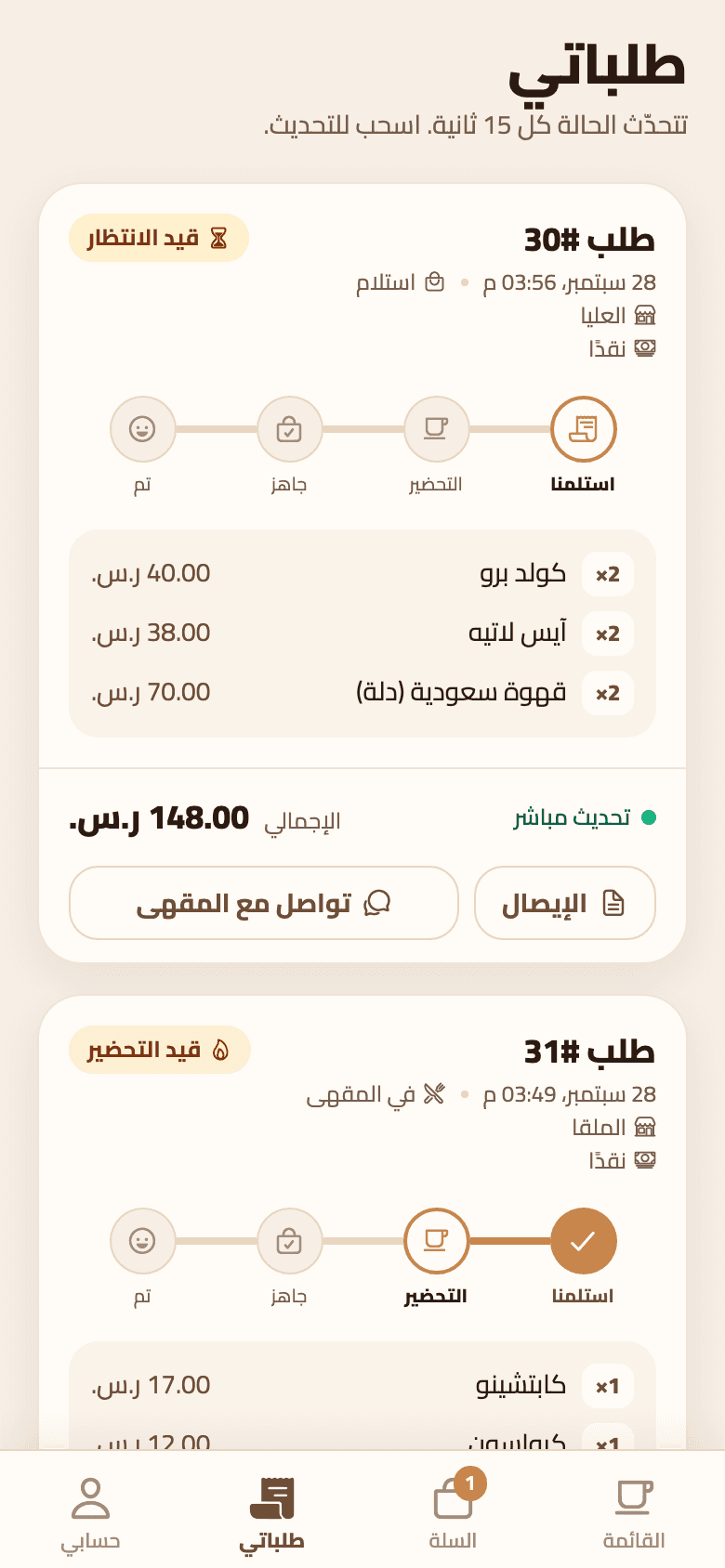
My Coffee is an ordering platform for coffee shops: a customer app, a shop dashboard and one API. The API runs in the cloud. The kitchen printer sits on the shop's own network, behind a router. An order placed on a phone has to come out of that printer a couple of seconds later. Here is how, in four pieces.
1. The shop calls out, nothing calls in#
The cloud can't open a connection to a printer on a private network, and asking a café owner to forward ports is not an option. So a small script runs on any computer at the branch, a PC, a Mac or a Raspberry Pi, and asks the API for new jobs every two seconds. It only makes outbound requests and needs no open ports. The whole bridge is one 89-line file with no npm dependencies: Node's built-in fetch, net and fs are enough.
const headers = { "X-Print-Token": token, "Content-Type": "application/json" };
const res = await fetchImpl(`${apiUrl}/print-agent/jobs?connection=network,device&limit=5`, { headers });
const { data: jobs } = await res.json();
for (const job of jobs) {
  let result;
  try {
    await printJob(job, { dryRun, outDir });
    result = { ok: true };
  } catch (err) {
    result = { ok: false, error: String(err.message).slice(0, 300) };
  }
  await fetchImpl(`${apiUrl}/print-agent/jobs/${job.id}`, { method: "POST", headers, body: JSON.stringify(result) });
}Each branch has its own token, and every poll doubles as a heartbeat: the dashboard shows a branch's printing as online if it has heard from it in the last minute. If the API can't be reached, the wait doubles up to 30 seconds and resets on the first success.
Sending to the printer is the simplest part. Network thermal printers listen on TCP port 9100 and print whatever bytes arrive.
export function sendToNetwork(host, port, bytes, timeoutMs = 10_000) {
  return new Promise((resolve, reject) => {
    const socket = net.createConnection({ host, port });
    const fail = (err) => {
      socket.destroy();
      reject(err);
    };
    socket.setTimeout(timeoutMs, () => fail(new Error(`timed out talking to ${host}:${port}`)));
    socket.once("error", fail);
    socket.once("connect", () => socket.end(bytes, () => resolve()));
  });
}2. Draw the ticket as a picture#
Thermal printers come with built-in fonts and code pages, and Arabic needs more than that: letters have to be joined and laid out right to left. My Coffee skips the printer's fonts entirely. The server draws the ticket on a canvas with the Cairo font, so a real text engine shapes the Arabic, then turns the picture into black and white dots and sends it as a raster image.
const lum = 0.299 * data[i] + 0.587 * data[i + 1] + 0.114 * data[i + 2];
if (data[i + 3] > 128 && lum < 150) bits[y * bytesPerRow + (x >> 3)] |= 0x80 >> (x & 7);
// ...
const one = [Buffer.from([0x1b, 0x40])];
for (let y = 0; y < height; y += 256) {
  const rows = Math.min(256, height - y);
  one.push(Buffer.from([0x1d, 0x76, 0x30, 0x00, bytesPerRow & 0xff, bytesPerRow >> 8, rows & 0xff, rows >> 8]));
  one.push(bits.subarray(y * bytesPerRow, (y + rows) * bytesPerRow));
}
one.push(Buffer.from([0x1b, 0x64, 0x04, 0x1d, 0x56, 0x42, 0x00]));80 mm paper is 576 dots wide and 58 mm is 384, so the canvas is exactly that wide. The bytes say: reset the printer, here is the image in bands of up to 256 rows, feed four lines, cut. Because the server does the drawing, the bridge only forwards ready-made bytes, and the preview in the dashboard is the same image that comes out of the printer.
The bridge has no dependencies because it does no thinking: the server draws, the bridge forwards.
3. A queue that survives a crash#
Print jobs live in a PostgreSQL table. When the bridge polls, the API claims the oldest waiting jobs in one statement, and SKIP LOCKED means two pollers can never take the same job.
UPDATE print_jobs j SET status = 'printing', claimed_at = now(), attempts = attempts + 1
 WHERE j.id IN (SELECT j2.id FROM print_jobs j2 JOIN printers p ON p.id = j2.printer_id
                 WHERE j2.branch_id = $1 AND j2.status = 'queued' AND p.is_active AND p.connection = ANY($2)
                 ORDER BY j2.created_at LIMIT $3 FOR UPDATE OF j2 SKIP LOCKED)
RETURNING j.*A job that was claimed and never reported back, because the bridge crashed or the internet dropped, returns to the queue after two minutes and is marked failed after three attempts. A job the printer refused, because it is unplugged or the address is wrong, is marked failed straight away with the reason, and staff retry it from the dashboard.
There is a limit worth being honest about. Nothing is read back from the printer, so the bridge knows the bytes were sent, not that paper came out. And if the bridge dies after printing but before reporting, that ticket prints twice. In a kitchen, a duplicate ticket is a smaller problem than a missing one.
4. The right ticket at the right station#
A branch can have several printers: a receipt printer at the till and a kitchen printer per station. A kitchen printer can be limited to menu categories, so an espresso prints at the bar and not at the pastry counter, and a station with nothing to make gets no ticket at all. For a shop with no spare computer, a printer can be set to print from the browser instead: a dashboard page on the shop's tablet collects the same jobs and prints the same image.
What I'd tell anyone building this#
- Let the shop ask the cloud for work; never ask a café to open a port.
- Draw tickets as images and Arabic stops being a printer problem.
- Keep the queue in the database and claim jobs with SKIP LOCKED.
- Know what "printed" really means in your system, and prefer a duplicate ticket to a lost one.