How Gym Buddy turns a photo of your meal into calories
Shrinking the photo on the phone, asking Gemini for JSON that matches a schema, and handling a free tier that's sometimes busy.
Ahmed Abdelmageed
2 min read
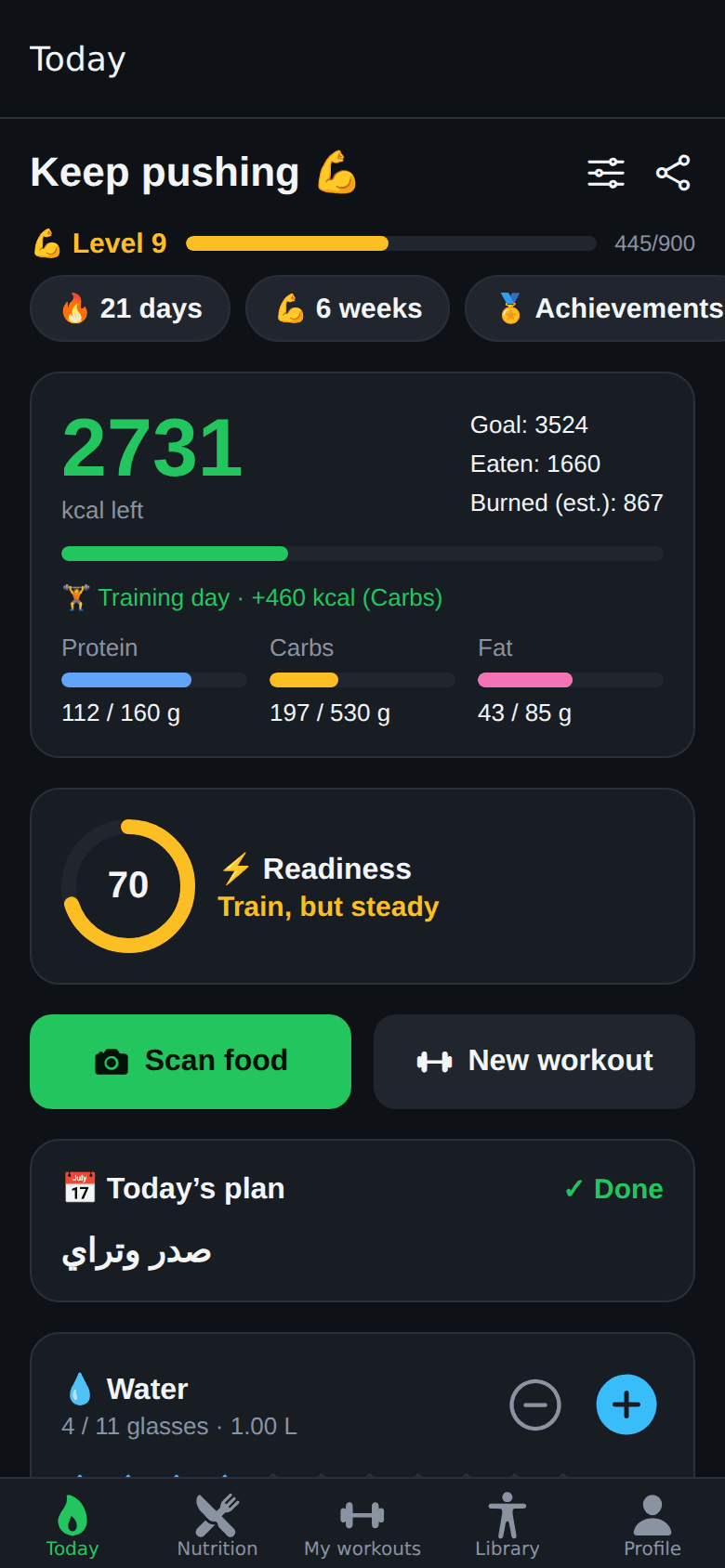
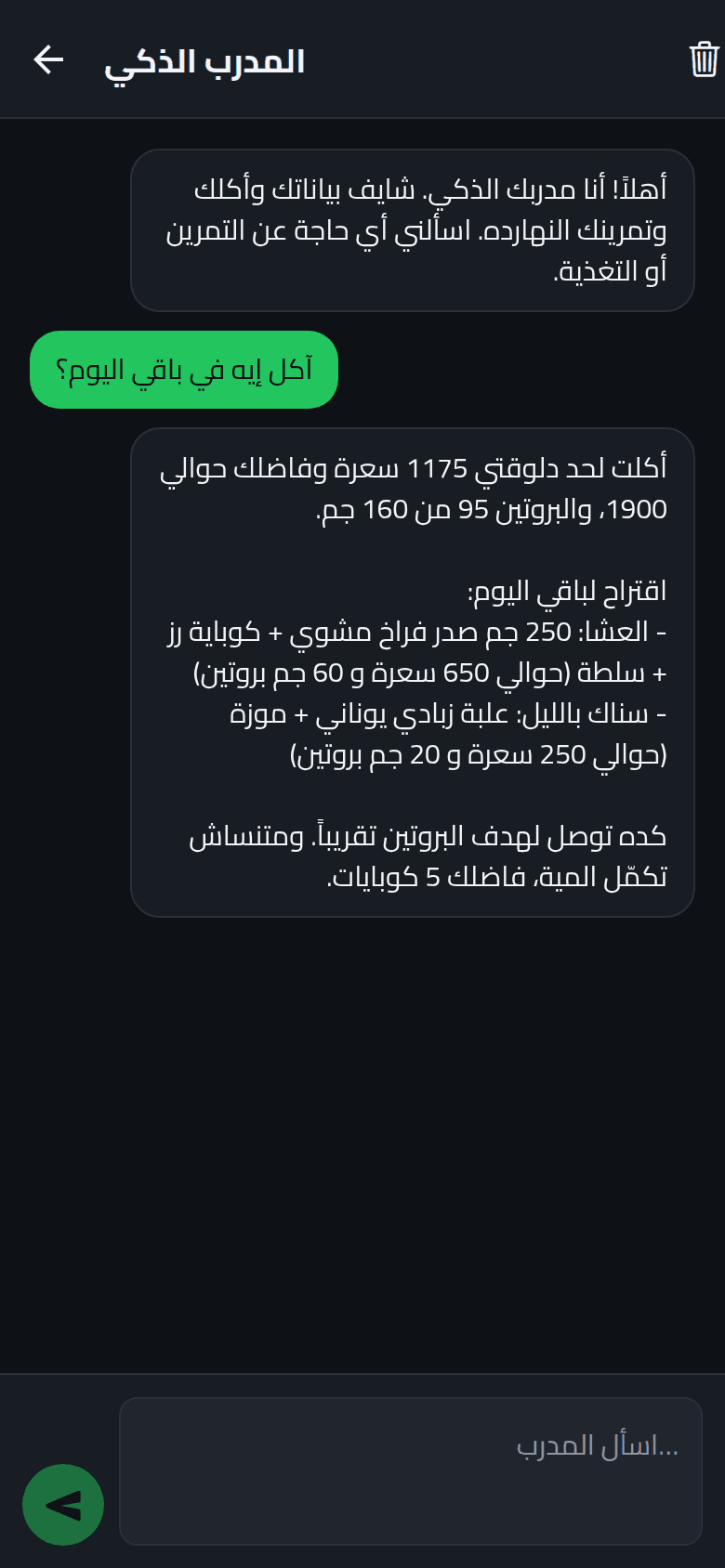
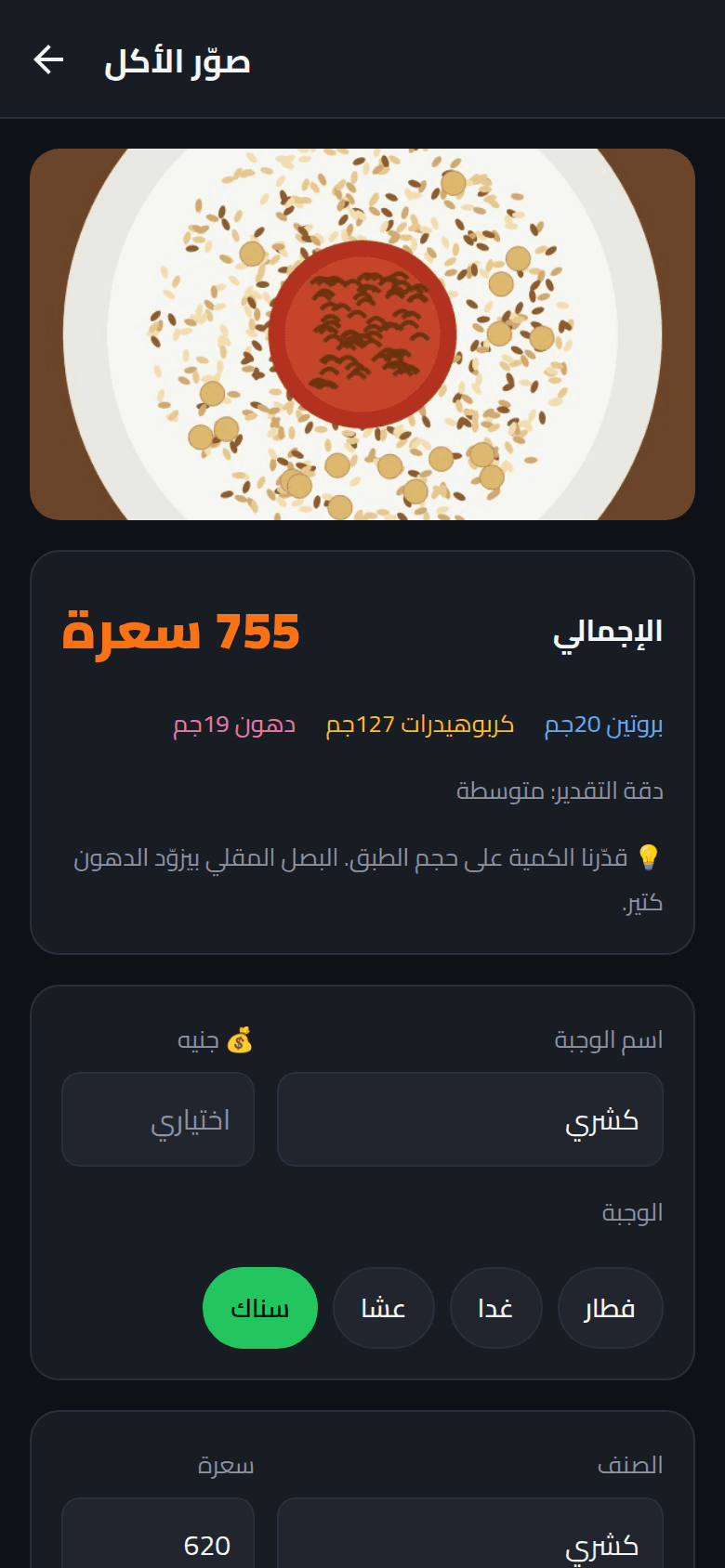
Logging food is the part of fitness apps people give up on. Gym Buddy's answer is a camera button: take a photo of your plate and get back each item, its portion, calories and macros, which you can correct before saving. Here is how that works, end to end, on Google Gemini's free tier.
1. Shrink the photo on the phone#
A phone photo is several megabytes. The model doesn't need that much detail to tell koshari from ful, so the app resizes to 1024 px wide and re-encodes as JPEG at 70% quality before uploading. Uploads are faster on mobile data and every request stays well under the server's 15 MB body limit.
async function toUploadableJpeg(uri: string, width = 1024) {
  const image = await ImageManipulator.manipulate(uri).resize({ width }).renderAsync();
  const result = await image.saveAsync({ base64: true, compress: 0.7, format: SaveFormat.JPEG });
  return result.base64;
}2. Ask for data, not prose#
The server sends the image to Gemini with a system prompt written like a brief to a sports nutritionist: identify every item, estimate portions from visual cues such as plate size, cutlery and hands, prefer the numbers on a nutrition label if one is visible, and recognise Egyptian dishes by name.
The important part is the response format. Instead of parsing free text, the request passes a JSON schema generated from the same Zod schema the server validates against, so the model has to answer in exactly that shape.
const FoodAnalysisSchema = z.object({
  isFood: z.boolean(),
  mealName: z.string(),
  items: z.array(z.object({
    name: z.string(), portion: z.string(),
    calories: z.number(), protein: z.number(), carbs: z.number(), fat: z.number(),
  })),
  // ...
});

config: { systemInstruction: SYSTEM_PROMPT, responseMimeType: "application/json", responseJsonSchema }The reply is still parsed with safeParse before it reaches the app. A schema in the request makes the right shape very likely; validating the response makes it certain.
A schema in the request makes the right shape very likely; validating the response makes it certain.
3. Say no to things that aren't food#
People will point the camera at their cat. The schema has an isFood flag, and the prompt says to set it to false with an empty list when there's no food or drink, so the app can show a friendly message instead of inventing a 300-calorie cat.
4. Treat the free tier's bad moments as normal#
Gemini's free tier sometimes answers 503 "high demand" for a few seconds. The client retries 500, 502, 503 and 504 up to three times with a short backoff. It deliberately does not retry 429: when the quota is used up, waiting one more second won't bring it back, so the user gets a clear "try again in a minute" instead.
new GoogleGenAI({
  apiKey: process.env.GEMINI_API_KEY,
  httpOptions: { retryOptions: { attempts: 3, initialDelay: 1, maxDelay: 4, httpStatusCodes: [500, 502, 503, 504] } },
});Every Gemini error is mapped to a sentence the user can act on: a missing key, quota reached, the AI being busy, or a photo that couldn't be processed. None of them surface as a raw status code.
What I'd tell anyone building this#
- Resize before upload; recognition doesn't need full resolution.
- Put the schema in the request and validate the response anyway.
- Give the model a way to say "this isn't food".
- Retry temporary failures, never quota failures, and write every error as advice.