Arabic RTL in React Native and Expo: what breaks and how I fix it
Lessons from three Arabic apps: switching direction without a reload loop, numbers that jump to the wrong side, charts that must not mirror, and icons that flip twice.
Ahmed Abdelmageed
3 min read
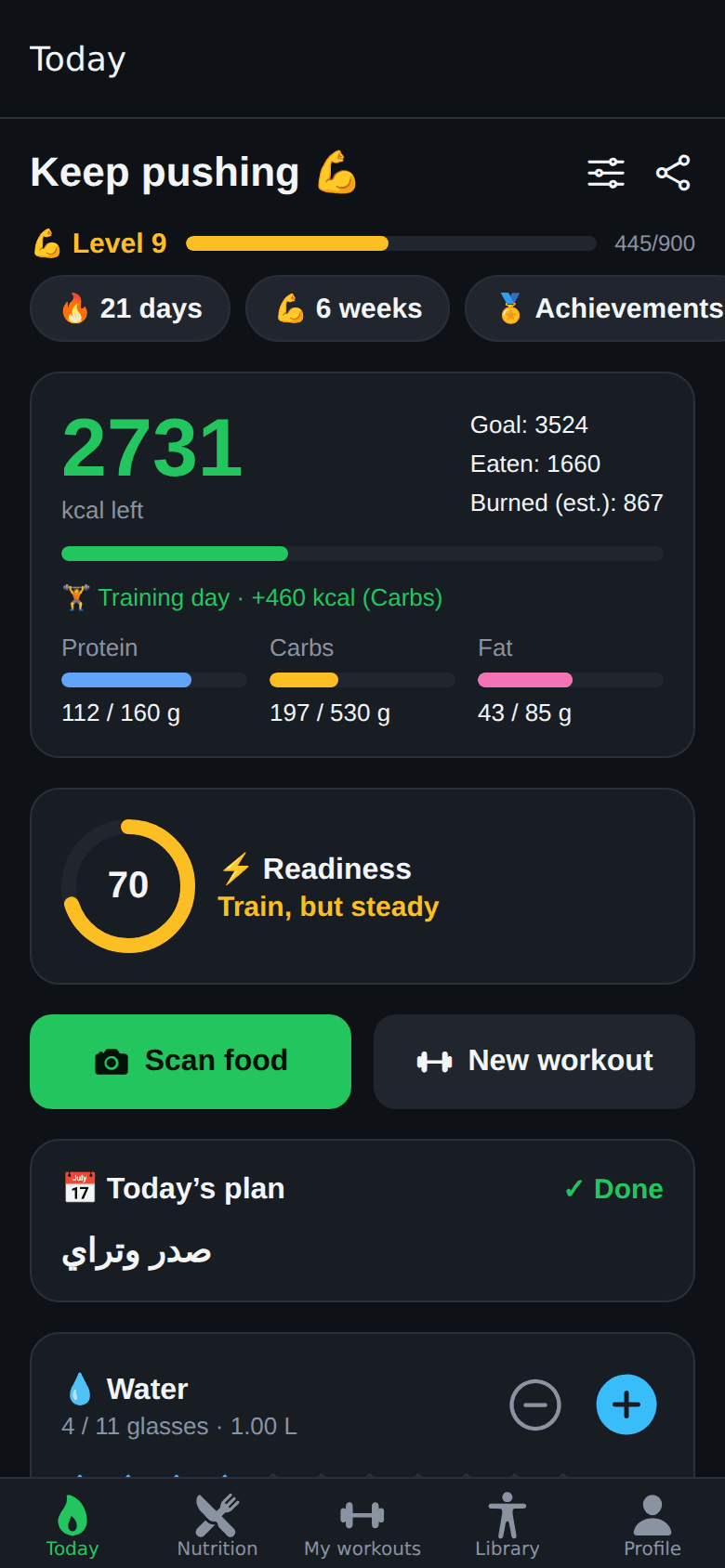
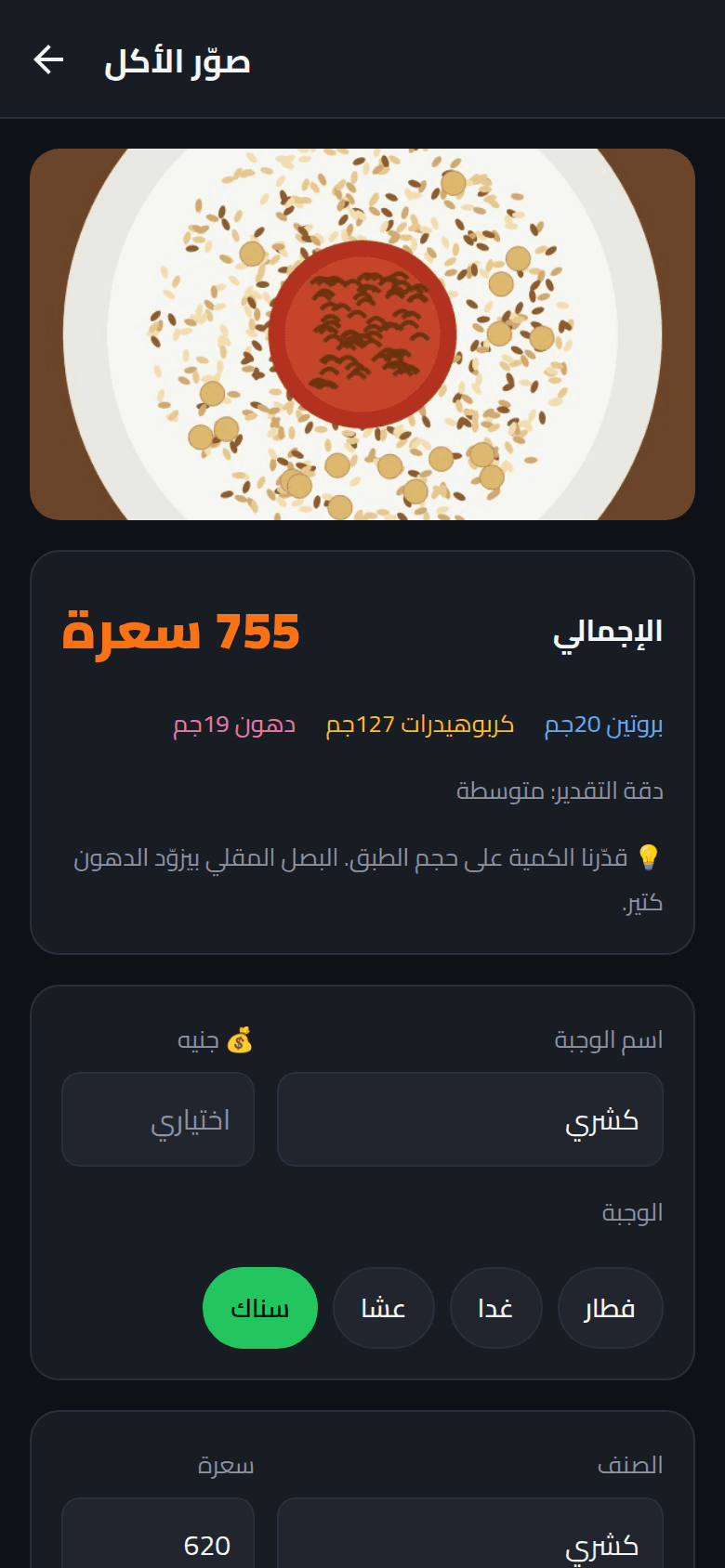
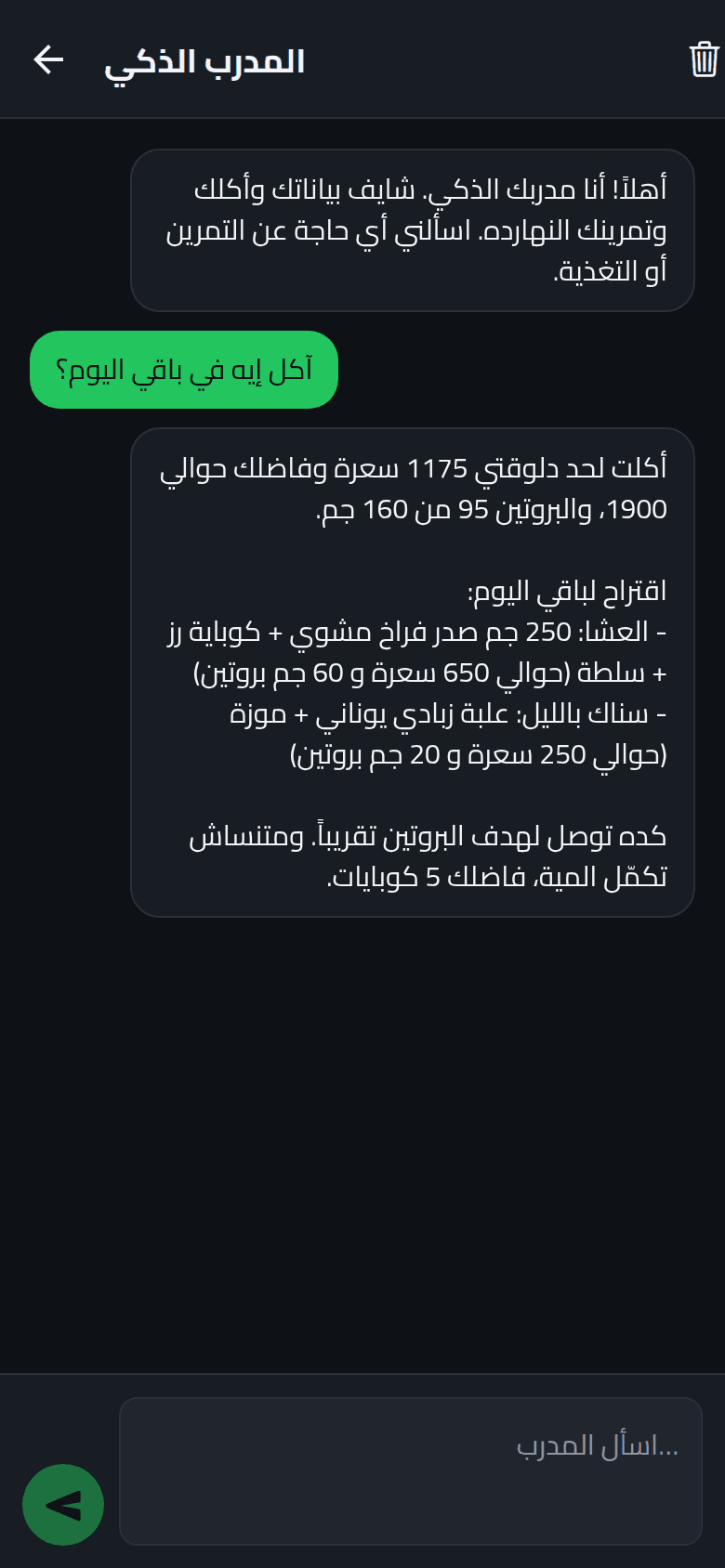
Every app I build has to work in Arabic and English, and Arabic reads right to left. React Native can mirror a layout for you, which gets you most of the way and then leaves a list of small, strange bugs. These are the ones I hit in three apps, Gym Buddy, My Coffee and Sima Track, with the fix that went into the code for each.
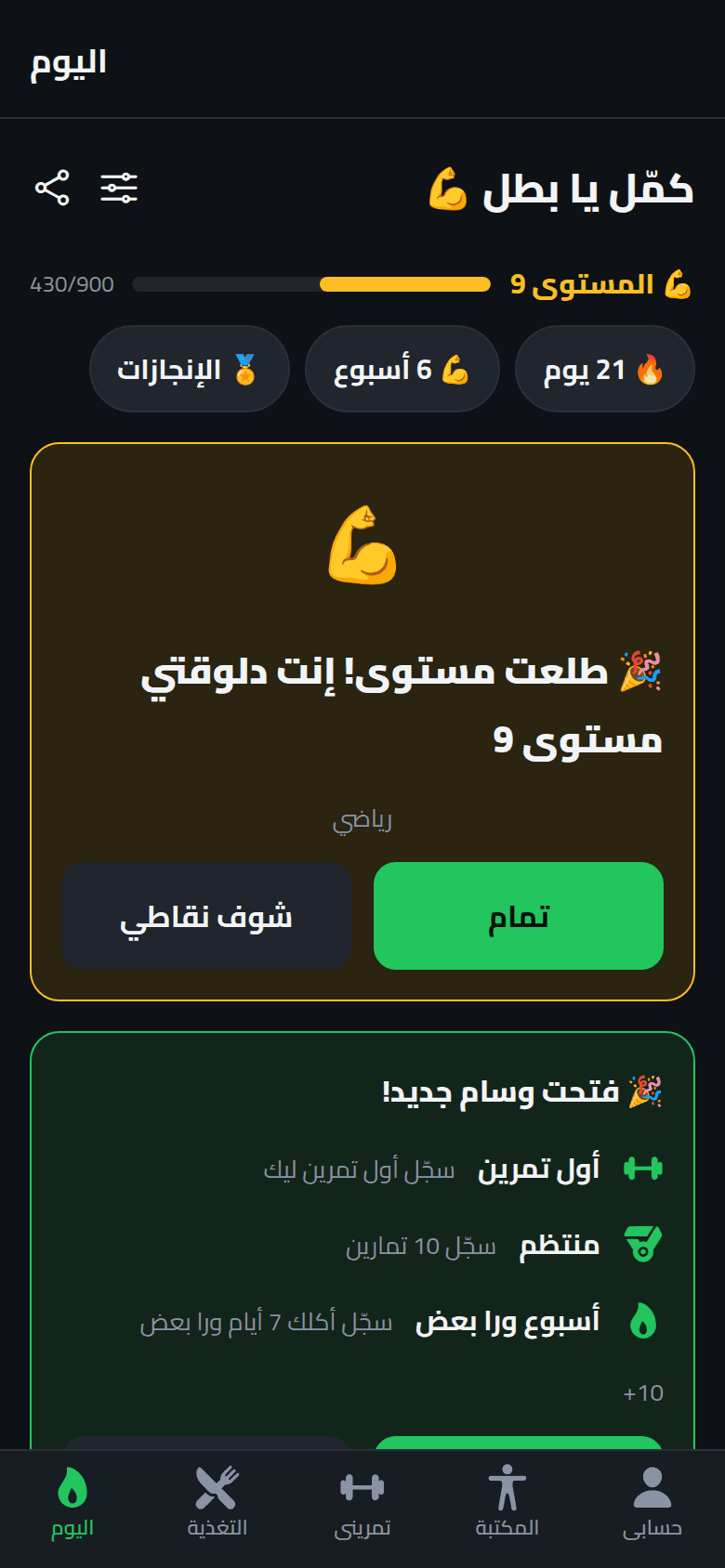
1. Changing direction needs a reload, so guard the reload#
Native layout direction is set with I18nManager.forceRTL, and it only takes effect after the app reloads. That is fine until something ignores the flag: the app reloads, sees the direction is still wrong, and reloads again, forever. My Coffee remembers that it already tried once for this language and stops.
I18nManager.allowRTL(true);
if (directionMatches(lang)) {
  void AsyncStorage.removeItem(RELOAD_GUARD_KEY);
  return false;
}
I18nManager.forceRTL(wantsRTL(lang));
// One attempt per language, so a host that ignores forceRTL can't loop forever.
const tried = await AsyncStorage.getItem(RELOAD_GUARD_KEY).catch(() => null);
if (tried === lang) return false;
await AsyncStorage.setItem(RELOAD_GUARD_KEY, lang).catch(() => {});
return reloadApp();A second trap sits in the Expo config. expo-localization has a supportsRTL option, and with it on, the direction was reset to the phone's language at every launch. Someone who chose Arabic inside the app on an English phone got a left-to-right layout back. If the app has its own language switch, leave that option out.
2. Numbers and Latin words jump to the wrong side#
Put "0 km/h" inside an Arabic sentence and it renders as "km/h 0". The text engine treats the number and the unit as separate runs and orders them right to left. The fix is to wrap the run in Unicode isolate characters, which say: lay this out left to right, as one unit. It works the same on iOS, Android and web, unlike the writingDirection style, which is iOS only.
const LRI = '\u2066';
const PDI = '\u2069';

export function ltr(value: string | number | null | undefined): string {
  const s = value == null ? '' : String(value);
  return s ? `${LRI}${s}${PDI}` : s;
}The same goes for phone numbers, opening hours and one-time codes: they read left to right in both languages. For dates and prices, the locale "ar-u-nu-latn" gives Arabic words with Latin digits, so numbers look the same everywhere in the app. And Arabic counts differently from English: one, two, three to ten, and eleven and up each take a different form.
function arCount(n: number, forms: { one: string; two: string; few: string; many: string; hundred?: string }): string {
  const m = n % 100;
  const s = n === 1 ? forms.one : n === 2 ? forms.two : m >= 3 && m <= 10 ? forms.few : m >= 11 && m <= 99 ? forms.many : (forms.hundred ?? forms.many);
  return s.replace("{n}", String(n));
}3. Absolute positions and charts must not mirror#
Under RTL, React Native's layout engine swaps left and right, and that includes absolutely positioned elements. A map button with right: 16 moves to the left edge. When something has to stay on a physical side of the screen, name the edge by direction.
const PHYSICAL_RIGHT = I18nManager.isRTL ? { left: 16 } : { right: 16 };Charts are the other case. A time axis reads left to right in both languages; mirrored, the newest day lands on the left and the trend runs backwards. So charts sit inside a container with direction: 'ltr'. Text inside an SVG is a problem of its own: it doesn't shape Arabic, so a unit like "لتر" came out as loose, reversed letters. Chart labels are ordinary Text components placed around the chart instead.
Mirror the layout. Never mirror the data.
4. Icons flip once, not twice#
React Native mirrors layout, not the drawing inside an icon, so a "forward" chevron keeps pointing right in Arabic. Sima Track flips a short list of directional icons inside its icon component and nothing else: an arrow that means "trending up" must not flip.
const RTL_MIRROR = new Set<IconSymbolName>([
  'chevron.left',
  'chevron.right',
  'arrow.right',
  'rectangle.portrait.and.arrow.right',
]);

const mirror = I18nManager.isRTL && RTL_MIRROR.has(name as keyof typeof MAPPING);The bug to avoid is doing it twice. If the component already mirrors chevrons, picking the chevron's direction by language at the call site flips it back.
5. Arabic fonts need their own weights and more room#
Custom fonts come as one file per weight. Setting fontWeight on top of a weight-specific family makes Android fall back to the system font, so Gym Buddy picks the weight through fontFamily and resets fontWeight.
export function fontStyle(lang: Lang, weight: TextStyle['fontWeight'] = 'normal'): TextStyle {
  if (lang !== 'ar') return {};
  return { fontFamily: CAIRO_BY_WEIGHT[String(weight)] ?? 'Cairo_400Regular', fontWeight: 'normal' };
}Arabic letters are also taller, with dots above and below the line. Tab bar labels were clipped until the bar got taller in Arabic, and My Coffee's line heights are larger than a Latin-only design would use.
What I'd tell anyone building this#
- Reload once to change direction, and make sure it can't loop.
- Wrap numbers, units and codes in isolates so they keep their order.
- Decide per element: mirror the layout, never the data.
- Flip directional icons in one place only.
- Open every screen in Arabic before you call it done.