Signing crypto orders on a phone without confusing errors
How Megora signs Binance orders on the device, fixes clock drift, and rejects bad orders before the exchange does.
Ahmed Abdelmageed
2 min read
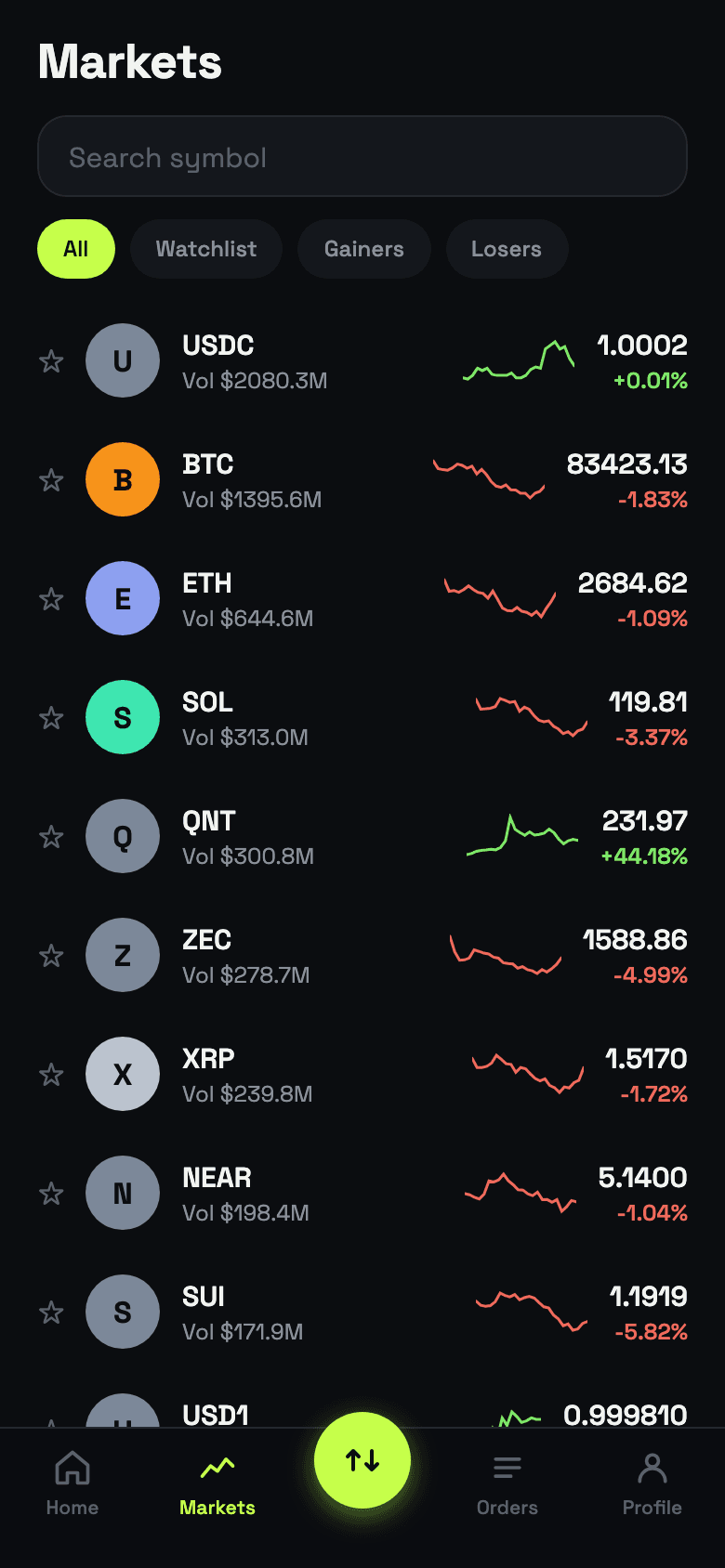
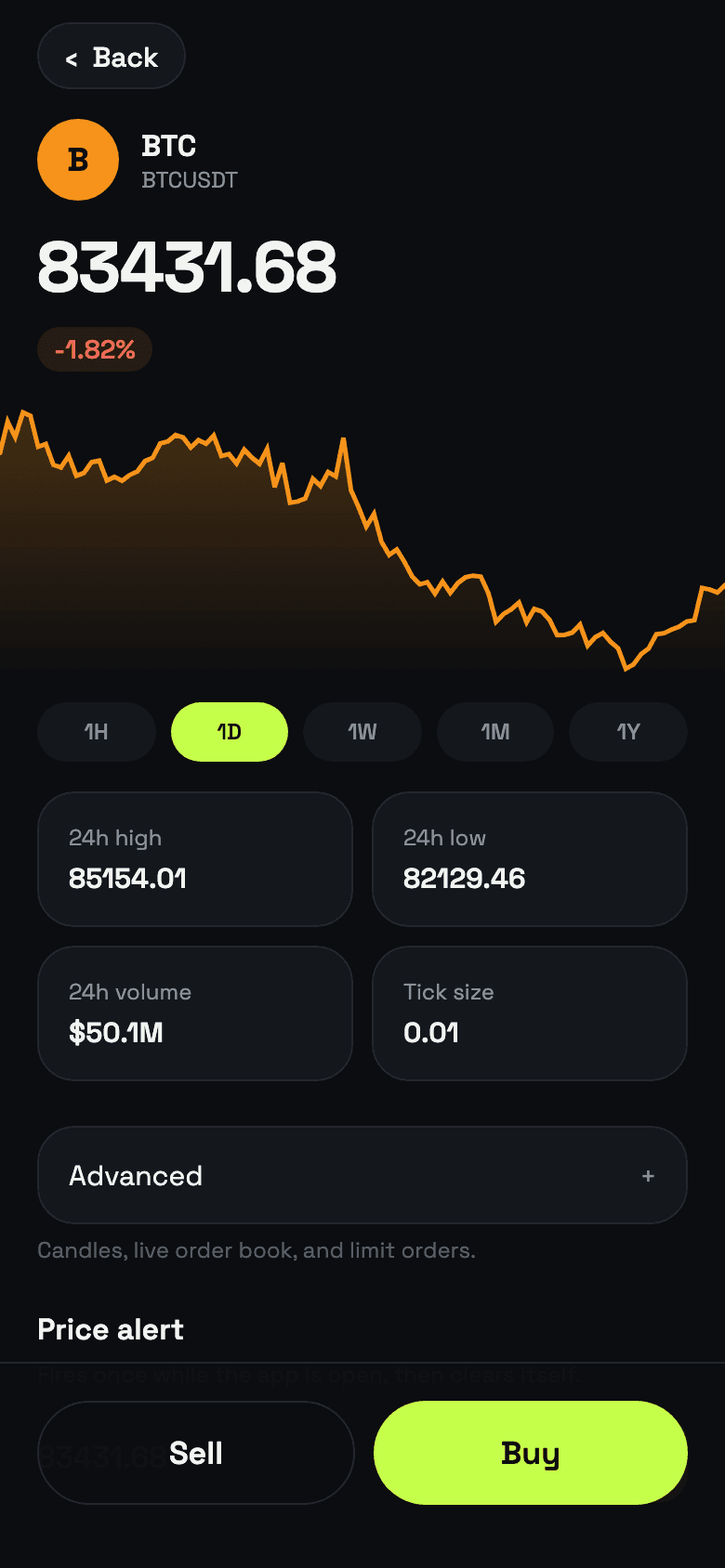
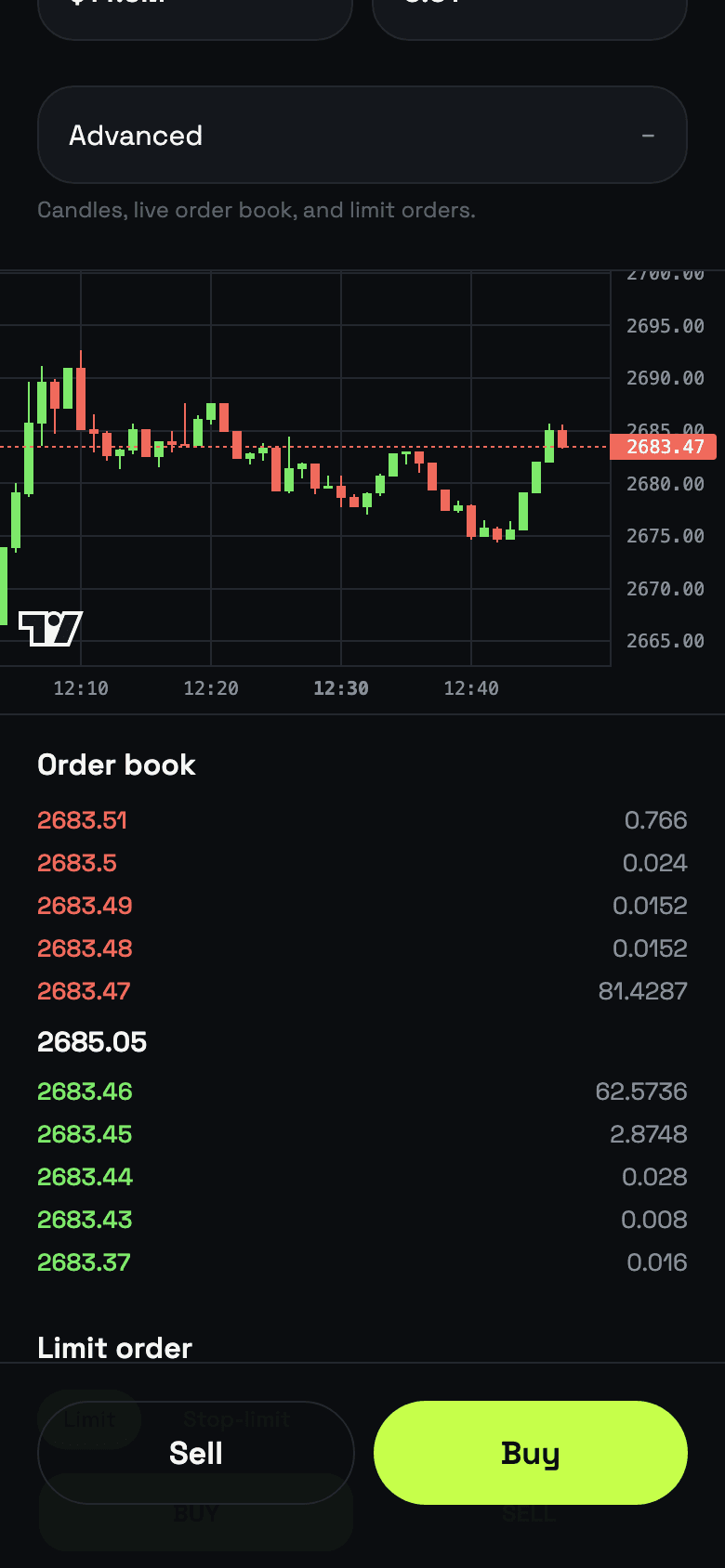
Megora is a mobile trading terminal for Binance's Spot Testnet: live candles, a live order book, and real orders that rest on the book and fill, using the test network's play money. Three small pieces of code decide whether that feels trustworthy or confusing: how requests are signed, what the clock says, and what happens before an order is sent.
1. Sign exactly what you send#
Binance authenticates each private request with an HMAC-SHA256 of the query string, keyed by the API secret. The signature only matches if the string you sign is byte-for-byte the string you send, so Megora builds the query once and signs that same string.
export function signQuery(query: string, secret: string): string {
  return bytesToHex(hmac(sha256, utf8ToBytes(secret), utf8ToBytes(query)));
}

const q = toQuery({ ...params, recvWindow: RECV_WINDOW, timestamp: now() });
const url = `${hostFor(keys)}${path}?${q}&signature=${signQuery(q, keys.secret)}`;The signature only matches if the string you sign is byte-for-byte the string you send.
The secret lives in the iOS keychain or Android keystore and never reaches a server. That is fine for test money and wrong for a real account, because anything on a phone can be extracted from it. The app has a live Binance mode wired up, but it is locked behind a "Coming soon" message; a real-money version would move signing to a server that holds the secret.
2. Phones lie about the time#
Every signed request carries a timestamp that must fall inside a short window of the exchange's own clock. Phone clocks drift, and when they do, Binance answers -1021, which looks exactly like a bad API key. Megora measures the difference against the exchange's time at launch and adds it to every timestamp.
let timeOffset = 0;

export async function syncTime(live = false) {
  const res = await fetch(`${live ? LIVE_REST_BASE : REST_BASE}/api/v3/time`);
  const { serverTime } = await res.json();
  timeOffset = serverTime - Date.now();
}

const now = () => Date.now() + timeOffset;If an order still comes back with -1021, the trade screen re-syncs so the next attempt goes through.
3. Reject bad orders before the exchange does#
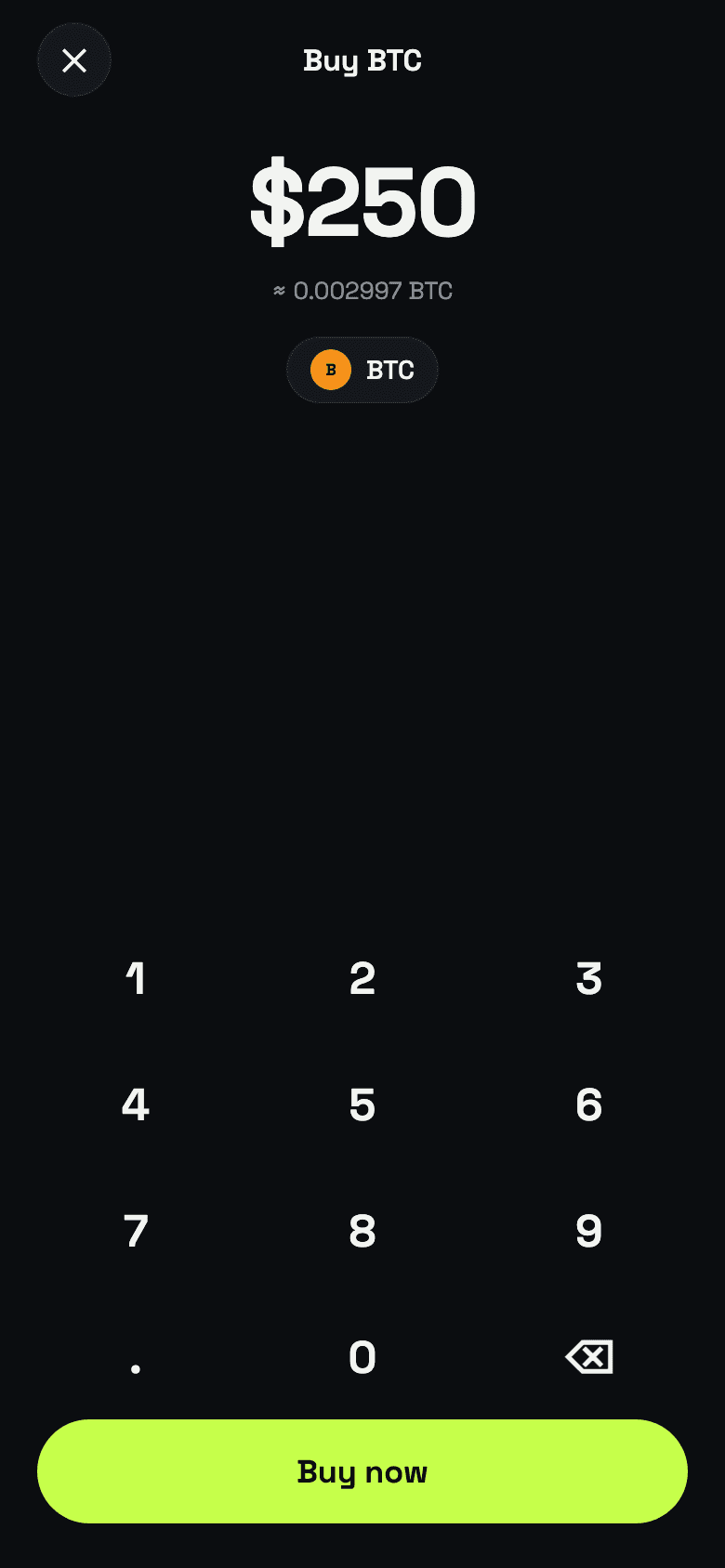
Each trading pair has rules: quantities move in fixed steps, prices in fixed ticks, and the order value has a minimum. Break one and Binance replies "-1013 Filter failure: LOT_SIZE", which tells a user nothing. Megora fetches those rules per pair and checks the order on the phone first, rounding down to the step and explaining the problem in a sentence.
export function validateOrder(d: OrderDraft, f: Filters): string | null {
  const qty = floorToStep(d.quantity, f.stepSize);
  if (qty < f.minQty) return `Amount is below the ${f.minQty} minimum.`;
  const price = d.type === "LIMIT" ? floorToStep(d.price, f.tickSize) : d.refPrice;
  if (!(qty * price >= f.minNotional)) return `Order value is below the ${f.minNotional} USDT minimum.`;
  return null;
}What this adds up to#
- Sign the exact bytes you send.
- Correct for the phone's clock instead of blaming the key.
- Check the exchange's rules locally so errors read like advice, not codes.
- Be honest about where a secret lives, and what that means for real money.